Online collaboration with a To-Do List/Check-list/Tick-list
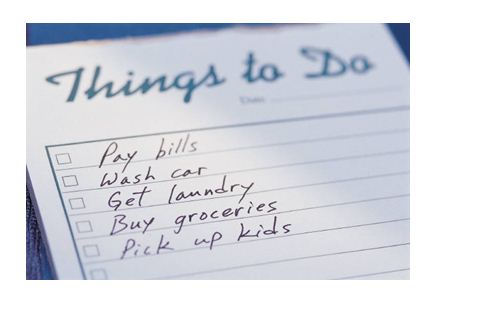
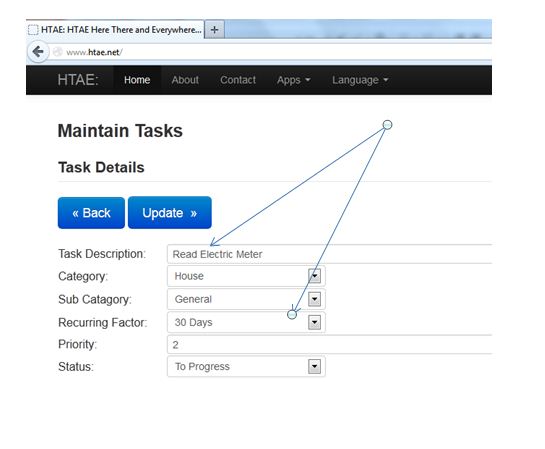
Where you need to enter an item onto your to-do list, it could not be easier. Enter your item and how often you do it.
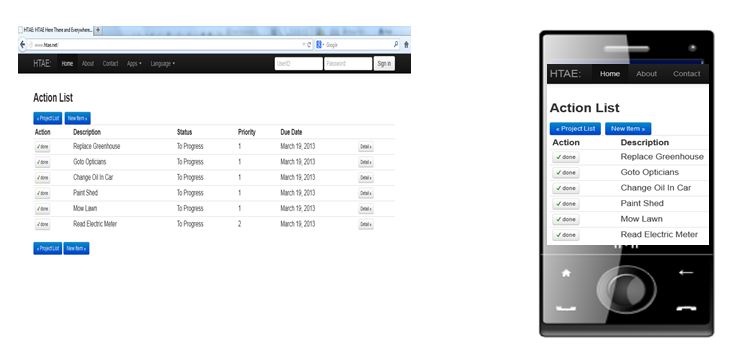
Your actions to check off in one place, where ever you are in a printable format!
Share my Check List with others
If you find yourself asking "How do I share my task list with my friends and colleagues"?.
Once your Checklist is complete you can add the people you want to share your checklist with.
Collaboration is key. In other words this will allow you to share your Checklist,or Online List with others who may wish to consider your items. To do this, press the view button next to your Checklist and select the Teams button.If you are running a project it is important that all the team is exposed to list of project tasks. So anyone can check the status at anytime. Often, where possible, this can include third-parties to ensure you are all working as one team.
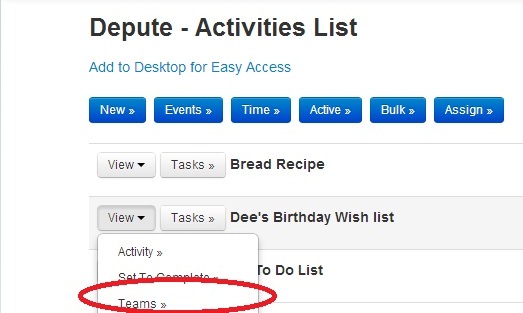
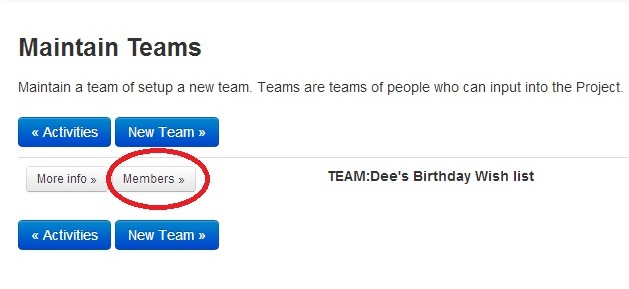
Then press the Members button to add your friends, family colleagues or co-workers to your list.
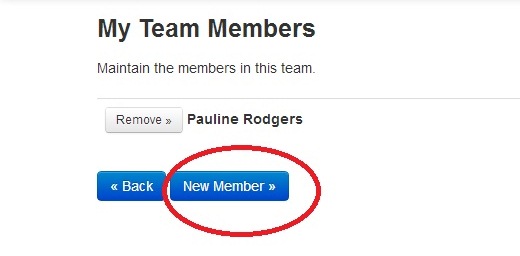
You will see yourself, leave that there, and then add other people by using the "New Member" button.
Select the people you want to view the list, then press "Add"
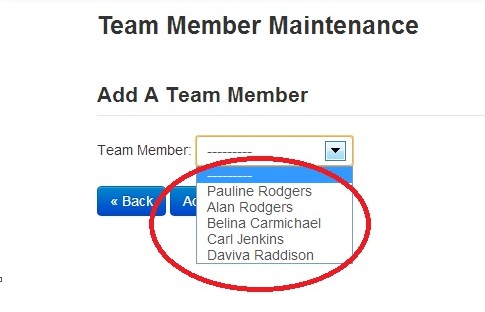
Easy.You now have your shared Checklist.
If you have not already registered for an account then please click on the login box above to create one.
Otherwise click here to to start creating your new checklist
Click here to return to the home page and setup an online checklist;
Be a pioneer and write the first comment.
Note: Current average rating of based on reviews and ratings. (1-Low, 5-High)
Note: Comments and ratings help this site get better; if you see something missing, see something wrong, have a question, or want to suggest something to improve then comment below and join the dialogue;